
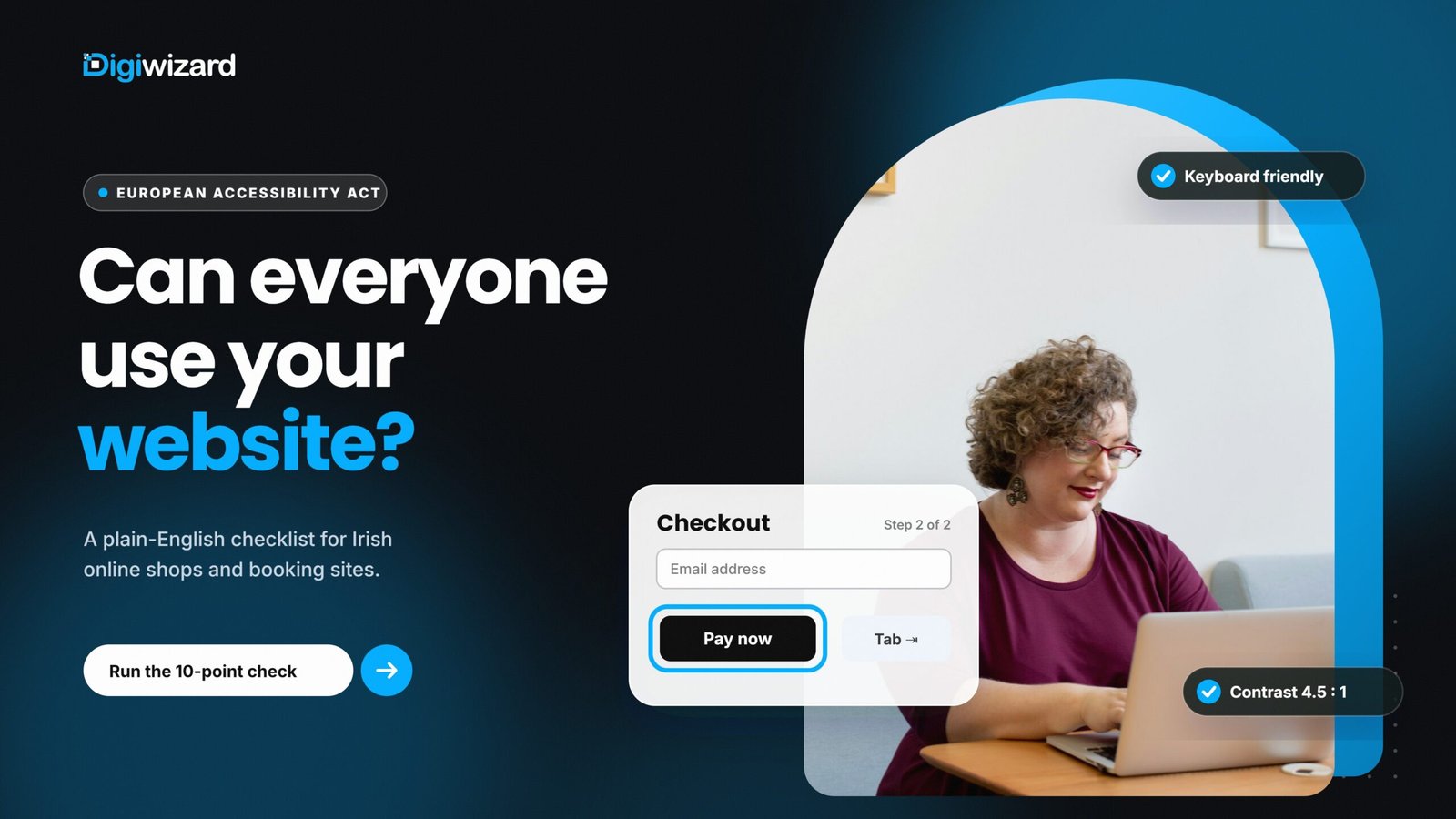
The European Accessibility Act (EAA) applies in Ireland through the European Union (Accessibility Requirements of Products and Services) Regulations 2023, which came into force on 28 June 2025. If you sell to consumers online, take bookings, offer consumer banking or sell transport tickets, your website and app must be usable by people with disabilities: people who use screen readers, keyboards instead of a mouse, magnification or captions. Microenterprises providing services (fewer than 10 staff and turnover or balance sheet of €2 million or less) are exempt, but everyone else in scope should be able to show they’ve checked.
This is a plain-English guide, not legal advice. If you’re unsure whether you’re in scope, ask the regulator for your sector or a solicitor.
Who the European Accessibility Act covers in Ireland
Ireland split enforcement across several regulators. The CCPC is the market surveillance authority for e-commerce services, e-books and covered products. Other services sit with their own regulator:
| Service | Who checks compliance |
|---|---|
| Online shops and other e-commerce services | Competition and Consumer Protection Commission (CCPC) |
| Consumer banking websites and apps | Central Bank of Ireland |
| Phone, broadband and other electronic communications services | ComReg |
| Bus, rail and ferry ticketing and travel information | National Transport Authority |
| Air passenger websites, apps and e-tickets | Irish Aviation Authority |
“E-commerce services” is broader than it sounds. Irish law firm Beauchamps describes it as services provided at a distance, through websites or apps, at a consumer’s request, with a view to a consumer contract. A salon or physio taking paid bookings online may be in scope, not just shops.
What’s at stake
Speaking to The Irish Times, the UX Design Institute said Ireland’s enforcement is among the strictest in the EU, with serious or repeated breaches potentially leading to fines of up to €60,000 and up to 18 months in prison. Individuals can also take cases. The CCPC says it will take a proportionate approach and help smaller businesses understand their obligations, so the first step is usually a conversation, not a fine. That’s still not a reason to wait.
Want a second pair of eyes on your site?
We review checkout, booking and contact flows for the issues that block real customers, and fix the ones that also hold back your SEO. See our technical SEO service or browse our case studies.
A 10-point accessibility check you can run this week
Most businesses measure against WCAG 2.1 level AA, the standard used inside the European norm EN 301 549. You don’t need to read either document to start. Try these on your own site:
1. Put the mouse away
Use only the Tab, Enter and arrow keys to find a product, add it to the basket and reach the payment page. If you get stuck anywhere, so will a keyboard user.
2. Watch where the focus goes
As you tab, you should always see which link or button is selected. Many themes remove that outline because it “looks untidy”.
3. Check text contrast
Light grey text on white and white text on pale photos are the usual failures. Normal text needs a contrast ratio of at least 4.5:1. Free contrast checkers will tell you in seconds.
4. Label every form field
“Name”, “Email” and “Phone” should be real labels, not placeholder text that disappears when someone starts typing. Error messages should say what went wrong and how to fix it.
5. Describe images that carry meaning
Product photos and infographics need alt text that says what they show. Decorative images should have empty alt text so screen readers skip them.
6. Zoom to 200%
Nothing should overlap, disappear or force sideways scrolling on a normal desktop screen.
7. Caption your videos
If a video explains how to use your product or service, it needs captions.
8. Test your cookie banner and chat widget
Third-party pop-ups are common blockers. If a screen reader user can’t close your cookie banner, they can’t buy anything.
9. Make the checkout or booking flow predictable
No surprise time-outs, no CAPTCHAs without an alternative, and clear headings on each step.
10. Publish how your service meets the requirements
Businesses in scope have to explain how their service meets the accessibility requirements. An accessibility page that lists what you’ve tested, known issues and how to contact you is a sensible way to do it.
Why this helps your search visibility too
Real headings, text instead of text-in-images, labelled buttons and descriptive alt text are exactly what search engines and AI assistants read when they decide what a page is about. Accessibility work won’t guarantee rankings, but sites built this way are easier for Google, ChatGPT and Gemini to understand and quote. It’s the same thinking behind our guide to getting ready for AI agents that book local services: if a machine can’t use your booking form, neither can some of your customers.
Questions about the European Accessibility Act
Does the European Accessibility Act apply to my small business?
Microenterprises providing services, meaning fewer than 10 staff and annual turnover or balance sheet total of no more than €2 million, are exempt from the service requirements. Microenterprises making covered products are not exempt in the same way, and the CCPC has published guidance for them.
Is a brochure website in scope?
A site that only describes your business, with no way to buy or book, is unlikely to be an e-commerce service. Once you add online sales or paid bookings, it may be.
Which standard should my website meet?
WCAG 2.1 level AA is the benchmark most Irish businesses and developers work to, because EN 301 549 builds on it.
Does an accessibility overlay or plug-in make me compliant?
No plug-in can fix missing labels, broken keyboard navigation or inaccessible checkouts on its own. Fix the site itself and use tools for testing, not as a cover.
What are the EAA requirements for a website?
In short, people must be able to perceive, operate and understand your site and its content, including with assistive technology such as screen readers, and you must explain how your service meets the requirements. In practice that means working to WCAG 2.1 AA.
How do I comply with the EAA?
Check whether you’re in scope, test your site against WCAG 2.1 AA (the 10 checks above are a good start), fix the problems on your key pages first, publish information on how your service meets the requirements, and keep a record of what you tested and when.
Who do customers complain to?
It depends on the sector: the CCPC for e-commerce, the Central Bank for consumer banking, ComReg for communications services, and the NTA or IAA for transport.
Start with your checkout
Run steps 1 to 4 on the page where people pay or book. If you find problems you can’t fix in your theme, talk to us and we’ll tell you what’s worth fixing first.