If you want your business to appear in AI answers, your robots.txt should let in the crawlers that power AI search, such as Googlebot, Bingbot and OpenAI’s OAI-SearchBot. You can still say no to crawlers that collect content for model training, such as GPTBot or Google-Extended, without disappearing from search. The mistake we see most often in Meath isn’t a deliberate choice at all. It’s a security plugin or hosting firewall blocking every bot with “GPT” or “AI” in its name, including the ones that send customers. Our technical SEO service checks this as standard.
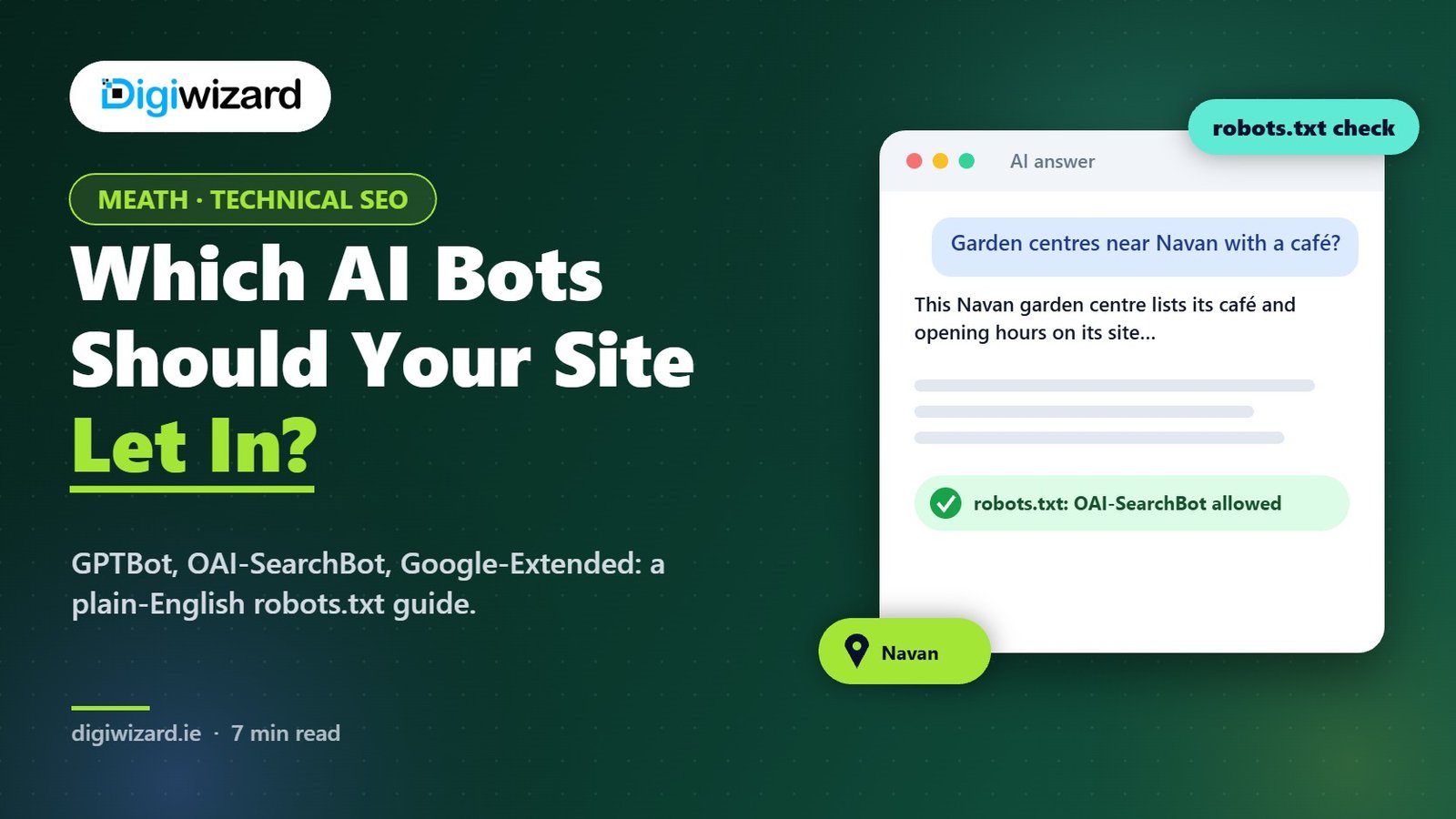
Here’s a real pattern, with the details changed. A garden centre near Navan had added a “block AI scrapers” setting in its WordPress security plugin in 2024. It sounded sensible at the time. Two years later, the owner wondered why ChatGPT kept recommending a competitor in Trim for “garden centres near Navan with a café”. ChatGPT’s search crawler had been turned away at the door for two years.
Search crawlers vs training crawlers
AI companies now run separate bots for separate jobs. That’s useful, because it means you can decide each one on its merits.
| User agent | Company | What it’s for | Block it? |
|---|---|---|---|
| Googlebot | Google Search, including AI Overviews and AI Mode | No, unless you want out of Google entirely | |
| Google-Extended | Use of your content for Gemini models; Google says it doesn’t affect Search | Your choice | |
| Bingbot | Microsoft | Bing and Copilot answers | No |
| OAI-SearchBot | OpenAI | Surfacing sites in ChatGPT search | No, if you want to appear in ChatGPT |
| GPTBot | OpenAI | Collecting content that may be used to train models | Your choice |
| ChatGPT-User | OpenAI | Fetching a page when a user asks ChatGPT to | OpenAI says robots.txt may not apply |
| ClaudeBot, Claude-SearchBot | Anthropic | Training and search respectively | Allow the search bot if you want to appear in Claude answers |
| PerplexityBot | Perplexity | Indexing for Perplexity answers | No, if you want to appear in Perplexity |
OpenAI’s crawler documentation explains that OAI-SearchBot and GPTBot are controlled independently, so you can allow one and block the other. Google covers Google-Extended in its list of common crawlers. Check each company’s own page before you make changes, because these lists get updated.
Three robots.txt setups
1. Open to everything
If you’re happy for your content to be used for training and search, you don’t need any AI-specific lines. The default is allow. Most small local businesses in Meath are fine here, because their public pages are marketing material anyway.
2. In search, out of training
This is the setup many businesses settle on.
User-agent: GPTBot
Disallow: /

User-agent: Google-Extended
Disallow: /

User-agent: ClaudeBot
Disallow: /

User-agent: OAI-SearchBot
Allow: /

User-agent: *
Allow: /
Disallow: /wp-admin/
Your pages stay available to Google, Bing, ChatGPT search and others, while the main training crawlers are told no. It’s worth knowing that blocking training doesn’t remove anything already collected.
3. Closed to AI
Some publishers block every AI crawler on purpose because their content is what they sell. That’s a legitimate choice, but accept that you’ll show up less in ChatGPT, Claude and Perplexity answers. Don’t block Googlebot or Bingbot unless you want to leave normal search too.
Is ChatGPT recommending your competitors instead of you?
We check how ChatGPT, Gemini, Copilot and Google AI Mode describe your business, then hand you a prioritised fix list you can act on straight away. See how our AI search optimisation (GEO) works, or browse our client case studies.
Check what’s actually happening
Your robots.txt file is only part of the picture. Plenty of sites have a perfect robots.txt and still block AI crawlers at another level.
- Read your robots.txt. Visit yoursite.ie/robots.txt and look for any rule naming GPTBot, OAI-SearchBot, ClaudeBot, PerplexityBot or a blanket Disallow.
- Check your security plugin. Wordfence, Sucuri, All In One WP Security and similar tools sometimes have bot-blocking options. Look for anything labelled AI, scrapers or bad bots.
- Check your CDN or host. Cloudflare and some Irish hosting control panels offer one-click AI bot blocking. Make sure it’s set the way you intend.
- Look at your server logs. Your host can usually show you which user agents visited. If OAI-SearchBot appears with 403 errors, something is blocking it.
- Test in ChatGPT. Ask ChatGPT Search about something only your site would know, such as this month’s offer, and see if it cites you.
Don’t forget the content itself
Letting the crawlers in only helps if they find something useful. Key facts like opening hours, areas covered and prices should be in plain text, not locked in images or behind a postcode form. A Meath plumber who covers Navan, Trim, Ashbourne and Dunboyne should say so on the page, in words. Our guide to LLM SEO covers the content side in more detail.
Questions About robots.txt and AI Crawlers
Will blocking GPTBot remove me from ChatGPT?
Not from ChatGPT search, according to OpenAI’s documentation, because search uses OAI-SearchBot. Blocking GPTBot tells OpenAI not to use your content for training.
Does blocking Google-Extended affect AI Overviews?
Google says Google-Extended doesn’t affect inclusion in Google Search. AI Overviews and AI Mode are part of Search and use Googlebot. If you want to limit how your content appears in them, Google points to snippet controls instead.
Should a small business block AI crawlers?
Usually not the search ones. For most local businesses, the public website exists to be found. Blocking training crawlers is a reasonable personal or business choice and doesn’t hurt search visibility.
Why does ChatGPT still describe my old services?
It may be citing an old page, a directory listing or another site. Open the sources it shows, correct the ones you control and ask the others to update.
Get your robots.txt checked
Send us your web address and we’ll check your robots.txt, plugin settings and a sample of live responses in a free consultation. Our Meath SEO page shows how we work with businesses across Navan, Trim, Ashbourne and the county.