
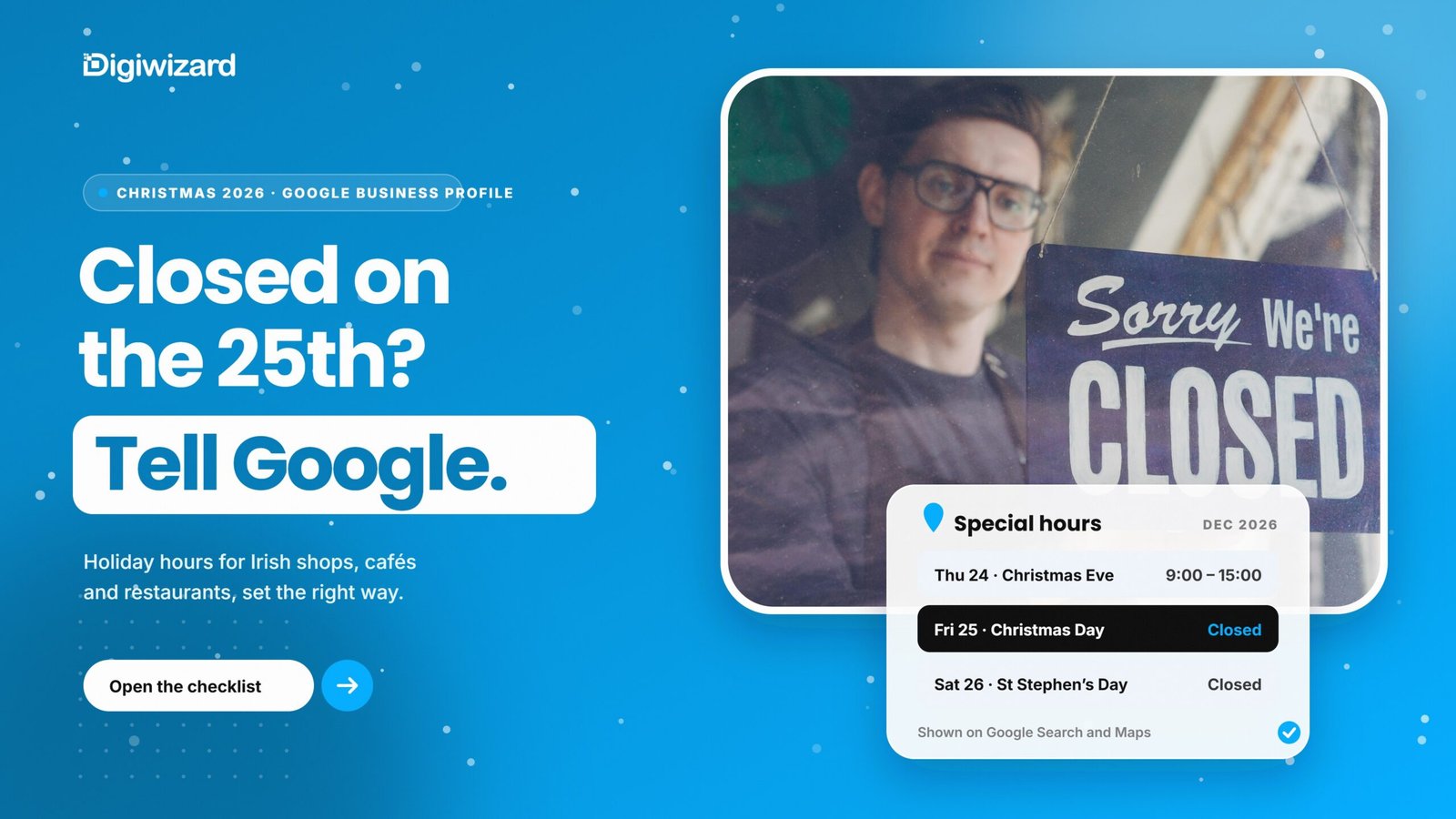
To show the right Christmas opening hours on Google, add special hours to your Google Business Profile for every date that changes between Christmas Eve and New Year’s Day, and confirm the dates that don’t change too. Google lets you set special hours for up to six days in a row; for a longer closure, mark the business temporarily closed and reopen it when you’re back. Do it before the first week of December, then make sure your website says the same thing.
It sounds small. But the week before Christmas is when people search “open now” on the way to the car, and a profile that says you’re open when you’re not costs you more than one sale. It costs you a review.
The dates to check this year
| Date | Day | What to decide |
|---|---|---|
| Thursday 24 December | Christmas Eve | Early close? Last orders time? |
| Friday 25 December | Christmas Day | Closed, or open for set hours |
| Saturday 26 December | St Stephen’s Day | Many shops reopen for sales; many restaurants stay shut |
| 27–30 December | Between the holidays | Reduced hours are common; set each day |
| Thursday 31 December | New Year’s Eve | Early close, or late opening for hospitality |
| Friday 1 January | New Year’s Day | Closed or reduced hours |
How to set Christmas opening hours on Google
Google calls these “special hours”, but most people search for them as holiday hours. According to Google’s help page:
- Open your Business Profile and select Edit profile, then Hours.
- Under Special hours, pick a suggested holiday or add a date.
- Enter the hours, or tick Closed for the day.
- Save, then check the profile in Google Maps on your phone.
Three things trip people up:
- Your profile must be set to “Open with main hours”. Google says special hours won’t show otherwise.
- Six days is the limit. Closing from 24 December to 2 January? That’s longer than six consecutive days, so use the temporarily closed setting instead, and set a reminder to reopen.
- Confirm the days that stay the same. Google recommends confirming hours for official holidays even when they don’t change, so customers can see the hours are accurate.
Managing more than one location? Each branch needs its own holiday hours. Google’s bulk spreadsheet has a special hours column if you have a lot of them.
Is your Google profile ready for the busiest week of the year?
We check hours, categories, products, photos and reviews, and fix what is costing you calls. See our Google Business Profile optimisation in Ireland or our local SEO service.
Six more things to sort before Christmas
1. Put the same hours on your website
Add a short “Christmas opening hours” section to your contact page or homepage in plain text, not just in an image or a social post. Google, ChatGPT and Gemini all read websites, and a mismatch between your site and your profile makes the answer less certain.
2. Use “More hours” for the things that change
Click-and-collect cut-off, delivery days, takeaway times and kitchen hours can be added as separate hours on many profiles. “Last orders for Christmas delivery: 18 December” answers a question people are already asking.
3. Add gift vouchers and Christmas products
If you sell gift cards, hampers, party menus or Christmas treatments, add them as products or services with a price. People search for “gift voucher” plus a town name in December, and a listed product with a price is more useful than a photo of a poster.
4. Post your Christmas offer on the profile
A Business Profile update with dates, a photo and a booking link takes ten minutes. Give it an end date so an out-of-date offer doesn’t linger in January.
5. Ask December customers for reviews
You’ll serve more people this month than most. A simple card or receipt line with a review link turns busy days into fresh reviews that mention what people actually bought.
6. Answer the questions before they ring
“Do you take bookings for Christmas Eve?” “Are you open on Stephen’s Day?” “Can I collect on the 23rd?” Put those answers on your site. AI answers in Google and ChatGPT are built from text they can find, and our guide to Gemini and Google Business Profile explains why your profile now feeds those answers too.
After Christmas: undo it properly
Special hours fall away on their own once the date passes. A temporary closure doesn’t. If you marked the business temporarily closed, reopen it in your profile the day you’re back, and remove any Christmas posts or products that no longer apply.
Questions about Christmas opening hours on Google
When should I add Christmas opening hours to Google?
As soon as you know them, ideally by early December. People start planning December visits and bookings weeks ahead.
How do I add holiday hours to my Google Business Profile?
Go to Edit profile, then Hours, then Special hours. Choose a suggested holiday or add a date, enter the hours or tick Closed, and save.
Why does Google still show my old hours?
Edits can take time to appear, and Google sometimes holds them for review. Check that the profile is set to “Open with main hours”, that the special hours are saved, and that your website doesn’t show different hours.
Should I mark my business closed for the whole holiday?
Only if you’re closed for more than six days in a row. Otherwise, set special hours for each date so customers can see exactly when you reopen.
Can customers or Google change my hours?
Google can accept suggested edits from users and other sources. Log in during December and check your profile for any edits you didn’t make.
Need a hand before the rush?
Restaurants and hospitality businesses can see how we work on our restaurant SEO page. For shops, salons and trades, book a free consultation and we’ll check your profile with you.